







What is Gamma?
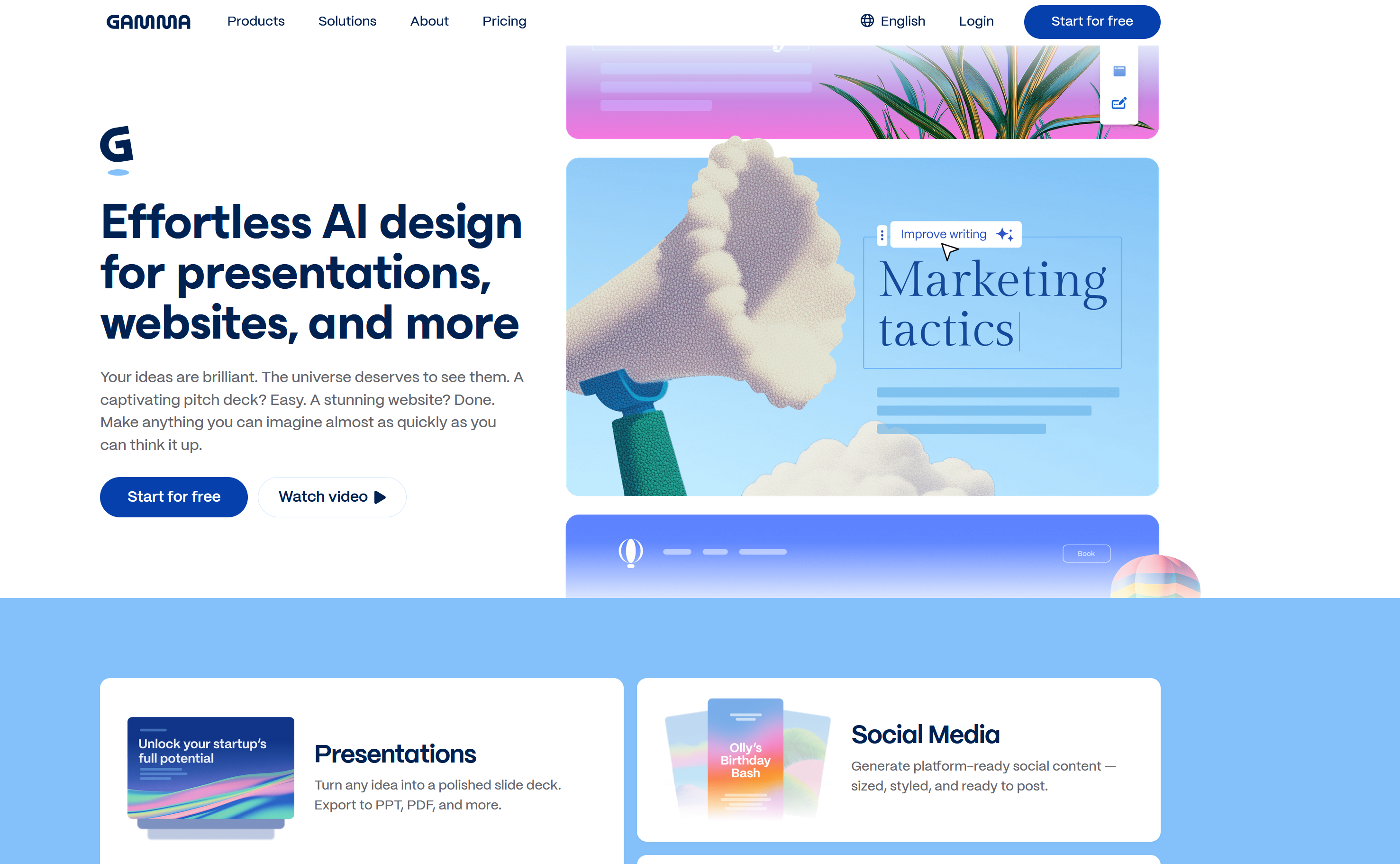
Gamma is a cloud‑native AI content platform built for creating presentations, pitch decks and interactive web pages. Unlike PowerPoint or Google Slides which force you to build every slide manually, Gamma uses AI to handle outlining, layout, styling and visual structure automatically.
Founded to fix slow slide creation workflows, Gamma has grown popular with founders, marketers, educators and students. You feed it prompts, meeting notes, essays or full documents, and it outputs ready‑to‑customize visual content in seconds. Everything runs inside your browser, no desktop install required.
How Gamma Works
Gamma follows a simple 3‑step workflow:
- Input content: Write a prompt, paste notes, or upload a document. AI reads your material and builds a logical outline.
- Generate deck: Gamma creates full slides, picks layouts, applies consistent colors and typography automatically.
- Edit & share: Tweak text, swap layouts, add media, then export PDF or share via live web link.
Key Features
- AI slide generation: Turn prompts or long documents into complete presentation decks in under a minute.
- Document import: Convert reports, essays and meeting transcripts directly into structured slides without copy‑pasting.
- Interactive web sharing: Publish your deck as a live web page for meetings, pitches and remote presentations.
- Brand kit support: Premium users add logos, custom colors and brand styles across all decks.
- AI rewrite tools: Reword, simplify or expand sections without leaving the editor.
- Cloud auto‑save: All projects stored online, accessible from any browser on desktop or mobile.
Pros & Cons
✅ Pros
- Huge time‑saver, generates professional‑looking slides very quickly
- Excellent forever‑free tier for personal and student use
- Modern, clean default styling; output looks polished out‑of‑the‑box
- Document import feature works extremely well for long text content
- Every element remains fully editable after AI generation
- Web‑link sharing removes the hassle of sending large PDF files
- No software download needed, works inside any modern browser
⚠️ Cons
- Free plan exports are limited in resolution for print‑ready outputs
- Highly custom artistic layouts still need manual adjustments
- Brand customization tools locked behind premium subscription
- Occasional small wording inconsistencies require quick proofread
Pricing & Fee Breakdown
Gamma uses a freemium pricing structure with no hidden fees. You can start without entering credit card details. Annual billing gives better value for regular users.
- Free Forever Plan: Unlimited AI presentations, basic templates, web‑link sharing, standard PDF/image exports. Great for students and casual personal projects. No credit card required to sign‑up.
- Premium Monthly: Unlocks high‑resolution exports, brand styling, priority generation speed, commercial‑use permissions, ad‑free workspace. Best for freelancers and occasional business users.
- Premium Annual: Same full premium feature‑set at discounted yearly rate. Saves roughly 25‑30% compared to monthly billing, most popular for ongoing creators.
- Team & Enterprise: Custom pricing for companies, agencies and education institutions. Includes collaborative editing, centralized team brand assets, admin controls and priority support.
Storage for saved projects is included within each plan, there are no extra export fees or surprise charges.
Pro Tip
Start with the free tier to test Gamma’s output quality. Upgrade to annual premium if you regularly need high‑resolution exports and brand features for client‑facing work.
Privacy & Safety
Gamma keeps user content private by default. Your presentations are not shared publicly unless you generate and distribute a shareable link. You can set links to password‑protected or private‑only access. User data is encrypted in transit and storage, and you can delete projects and your account data whenever you wish.
Who is Gamma Best For?
- Startup founders needing fast pitch decks and investor updates
- Marketers creating campaign overviews and client presentations
- Students working on class assignments and thesis presentations
- Educators building teaching material and lesson summaries
- Anyone without graphic‑design experience wanting polished visual content quickly
Final Verdict
Gamma scores 8.7 out of 10. It is a standout AI presentation solution for people wanting great‑looking slides without spending hours designing.
The free tier is genuinely useful, and premium plans deliver strong value for professionals. If you regularly build decks for work or study, Gamma deserves serious consideration.
FAQ
Can I use Gamma for commercial work?
Free plan is intended for personal non‑commercial use. Premium and team plans grant official commercial‑usage rights.
Are slides editable after AI generation?
Yes. Every slide, text block and visual can be manually edited and rearranged after generation completes.
What file formats can I export?
You can export PDF and image files, plus share via interactive live web presentation links.
Do I need to install software?
No install required, Gamma runs fully inside your web browser.